Configuring the Additional Information Field on Request Forms
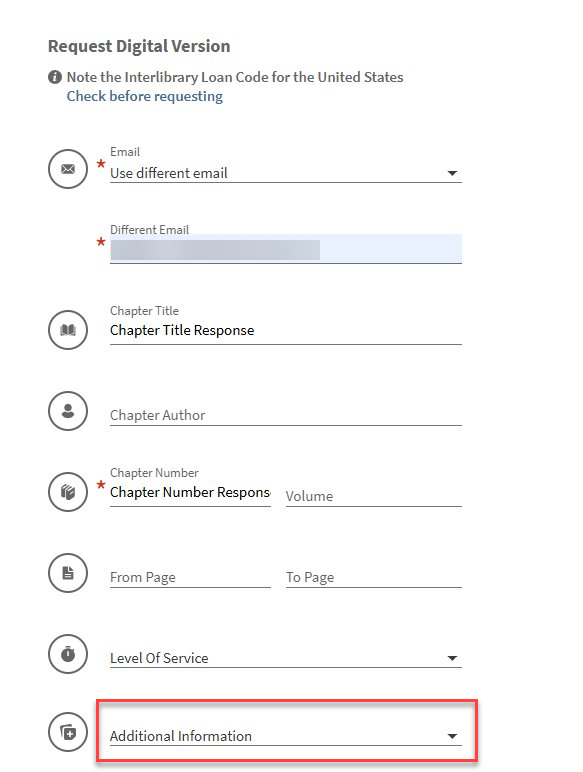
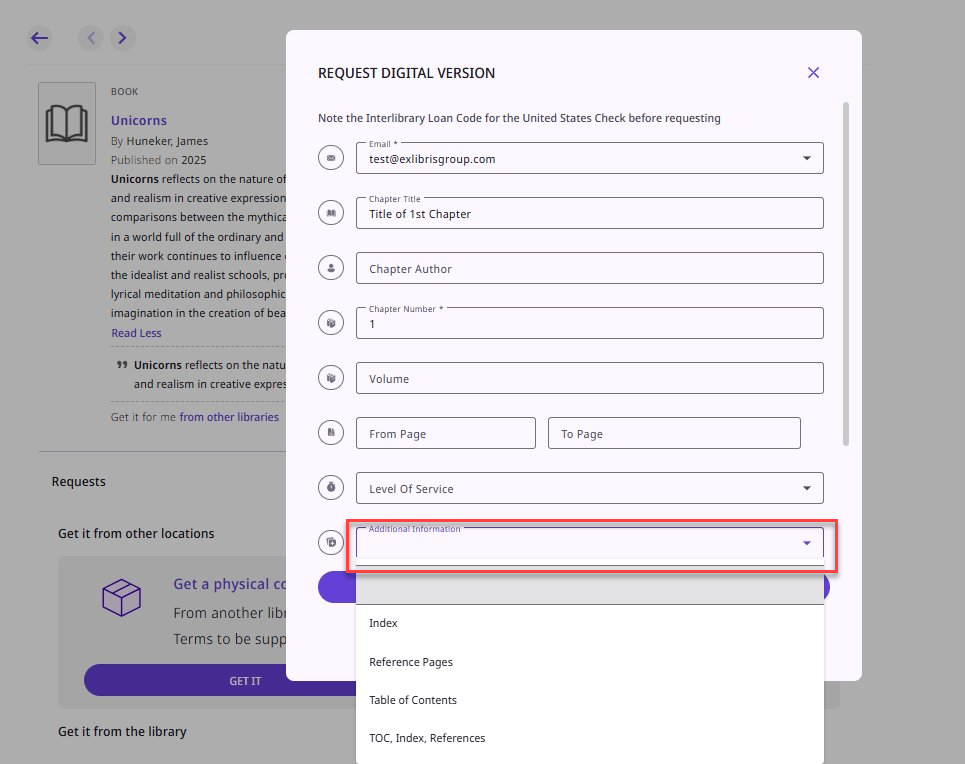
An optional Additional Information dropdown is available in the digital request forms for Primo VE and NDE. Borrowers can select predefined notes, which are then included in the request metadata and passed to the lender.
To configure the Additional Information dropdown:
-
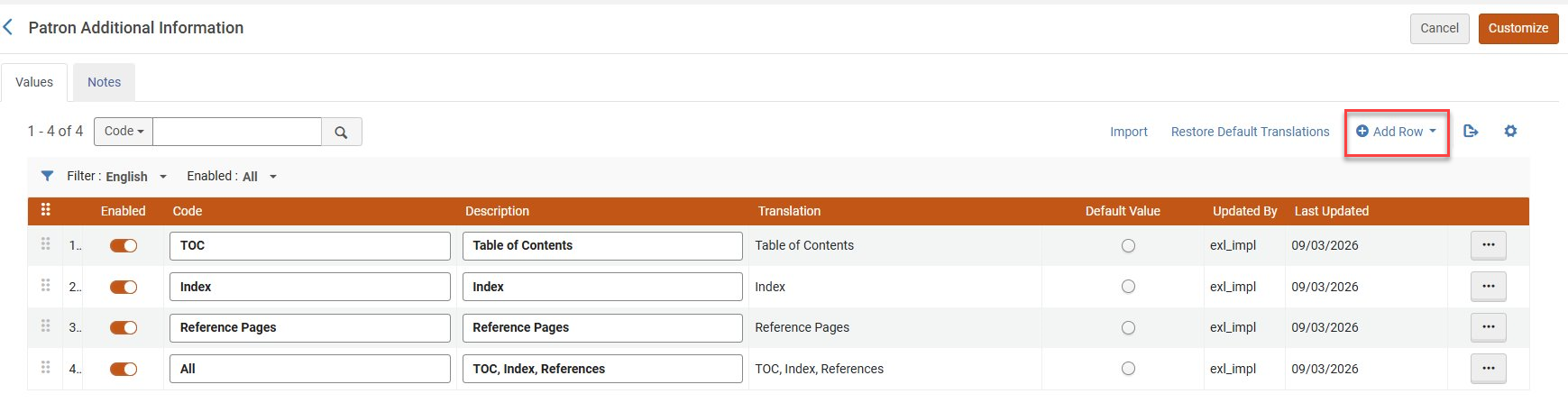
Go to Configuration > Resource Sharing > Patron Additional Information.
-
Select the Add Row option, then configure the new code table to your preferences.
Blank Forms
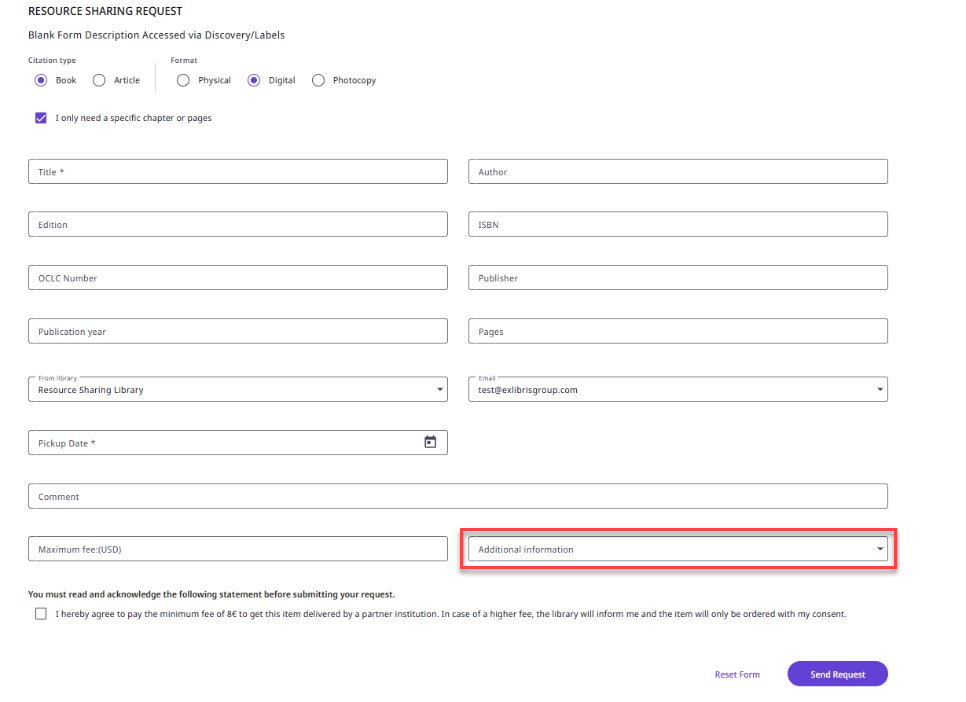
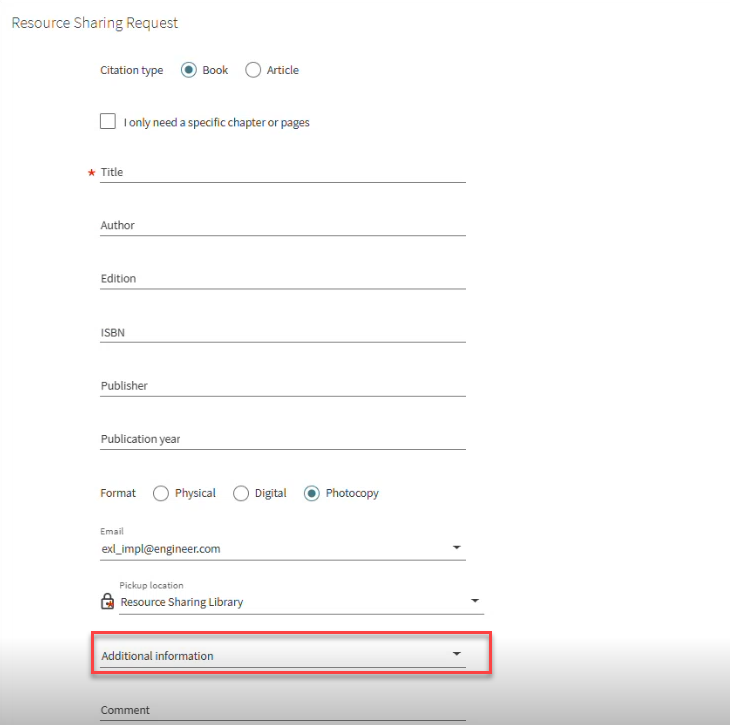
The Additional Information dropdown field for Blank Forms in Primo VE is visible only when the request format is Digital or Photocopy, and the code table is configured.
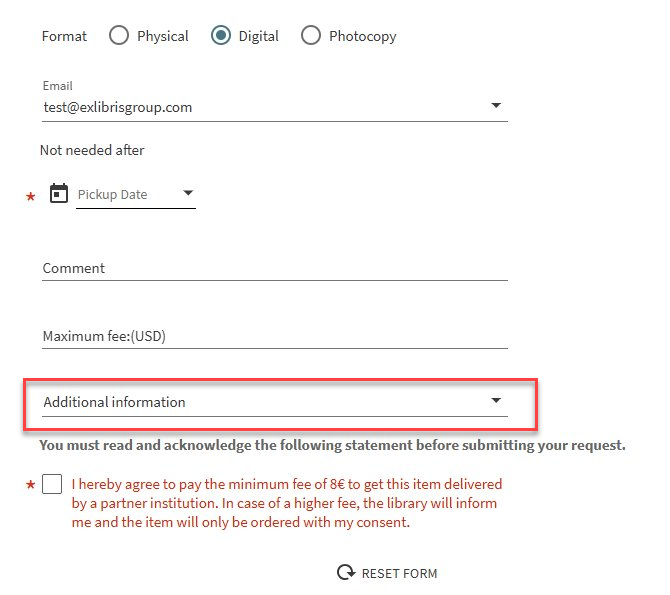
The Additional Information field for Blank Forms in Primo NDE is visible only when the request format is Digital or Photocopy and the new code table is configured.
Resource-Sharing Request Forms
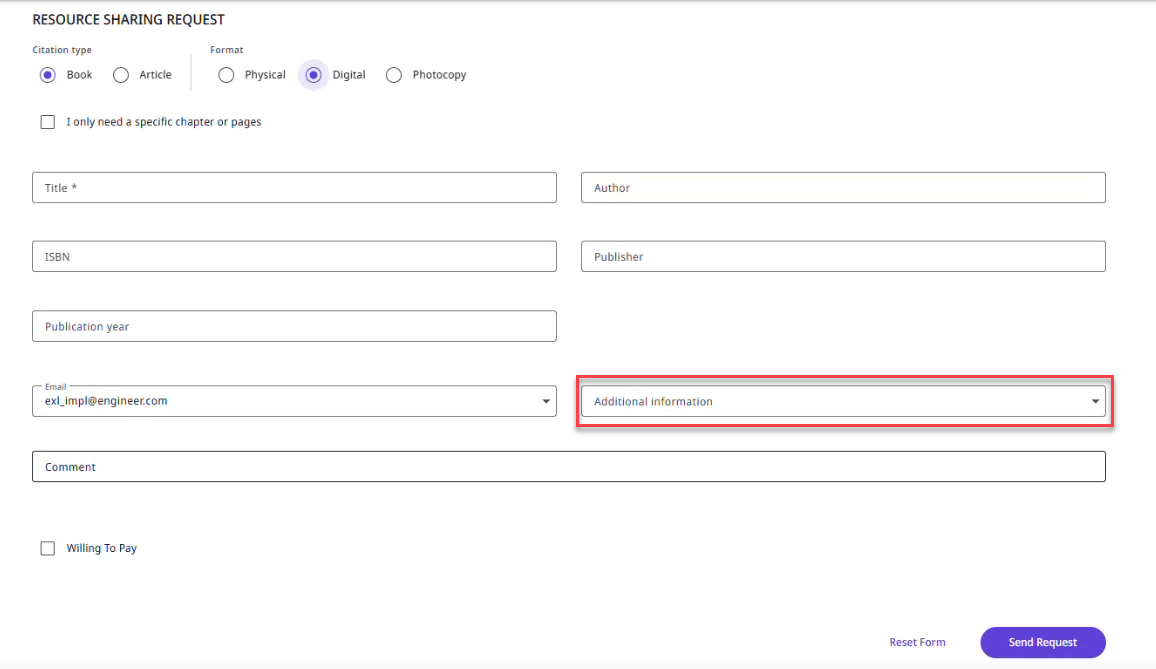
The Additional Information dropdown field for Blank Forms in Primo VE is visible only when the request format is Digital and the code table is configured.
The Additional Information field for the Resource-Sharing Request Forms in Primo NDE is visible only when the request format is Digital and the code table is configured.
Rapido Digital Request Forms